How to donate to Ministry of Social and Family Development's Trust Fund via Bandeyri Pay
1
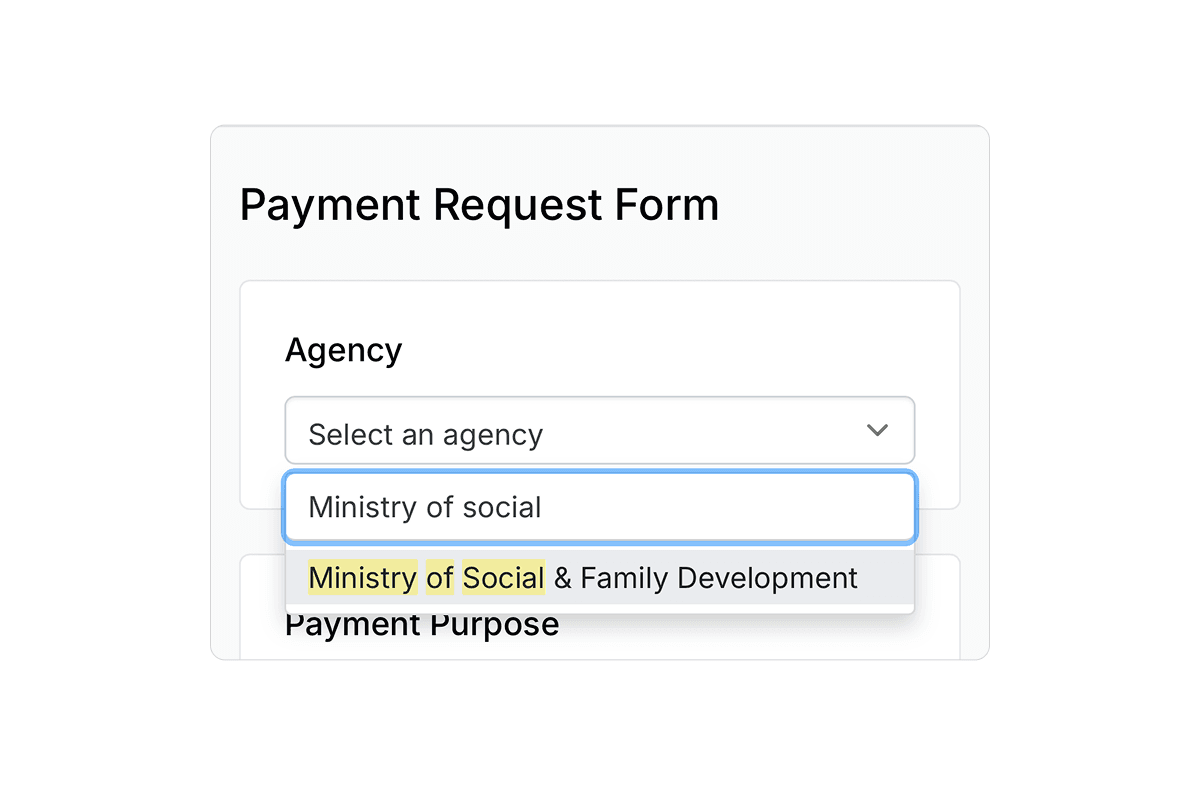
Navigate to Bandeyri Pay
Log in to Bandeyri Pay and select "Ministry of Social and Family Development" from the list of institutions.
2
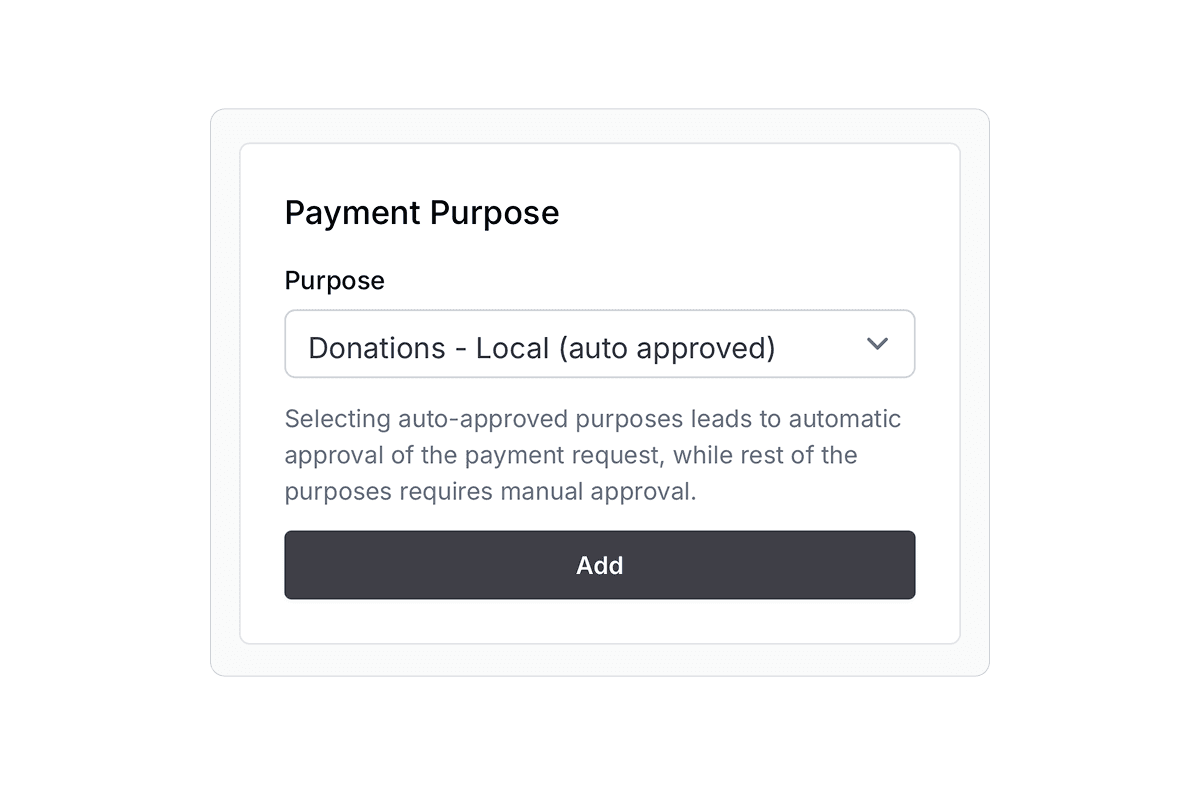
Select Payment Purpose
Choose "Donations - Local (Auto Approved)" and click "Add".
3
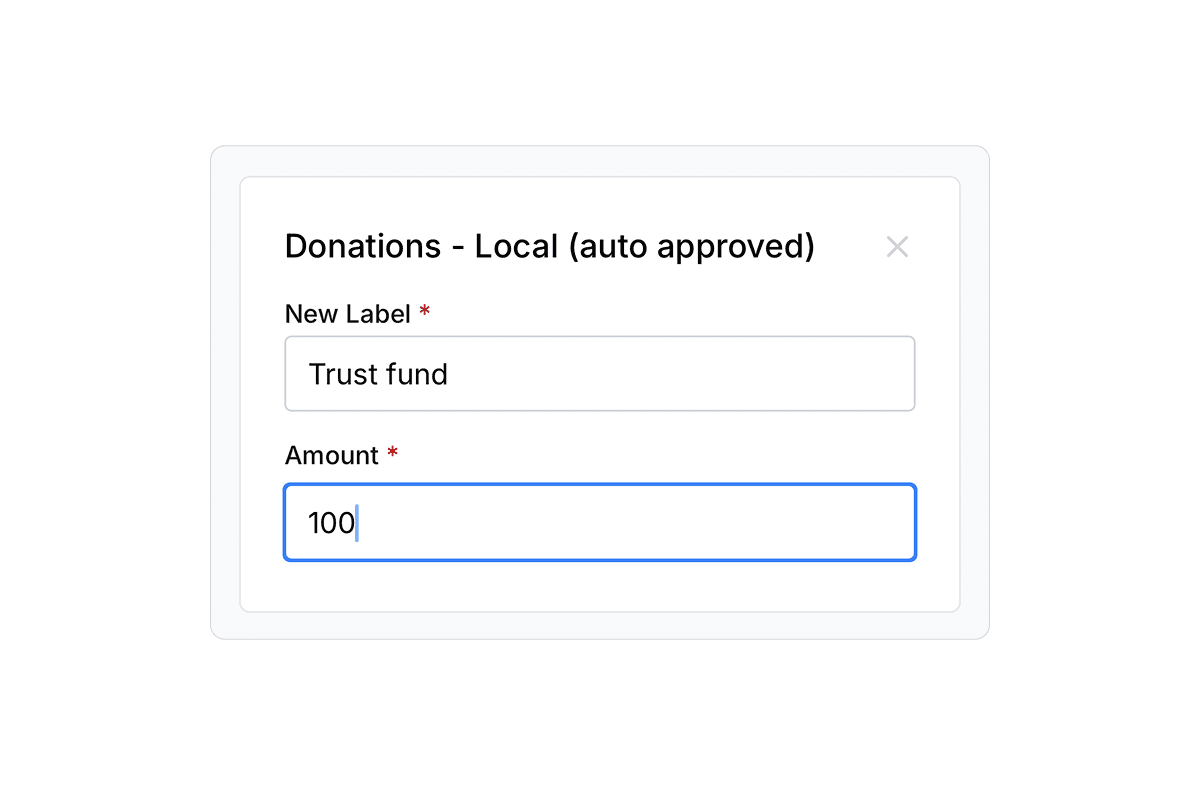
Donation Details
- Enter a "Label" describing your donation
- Enter the "Amount" you wish to donate
4
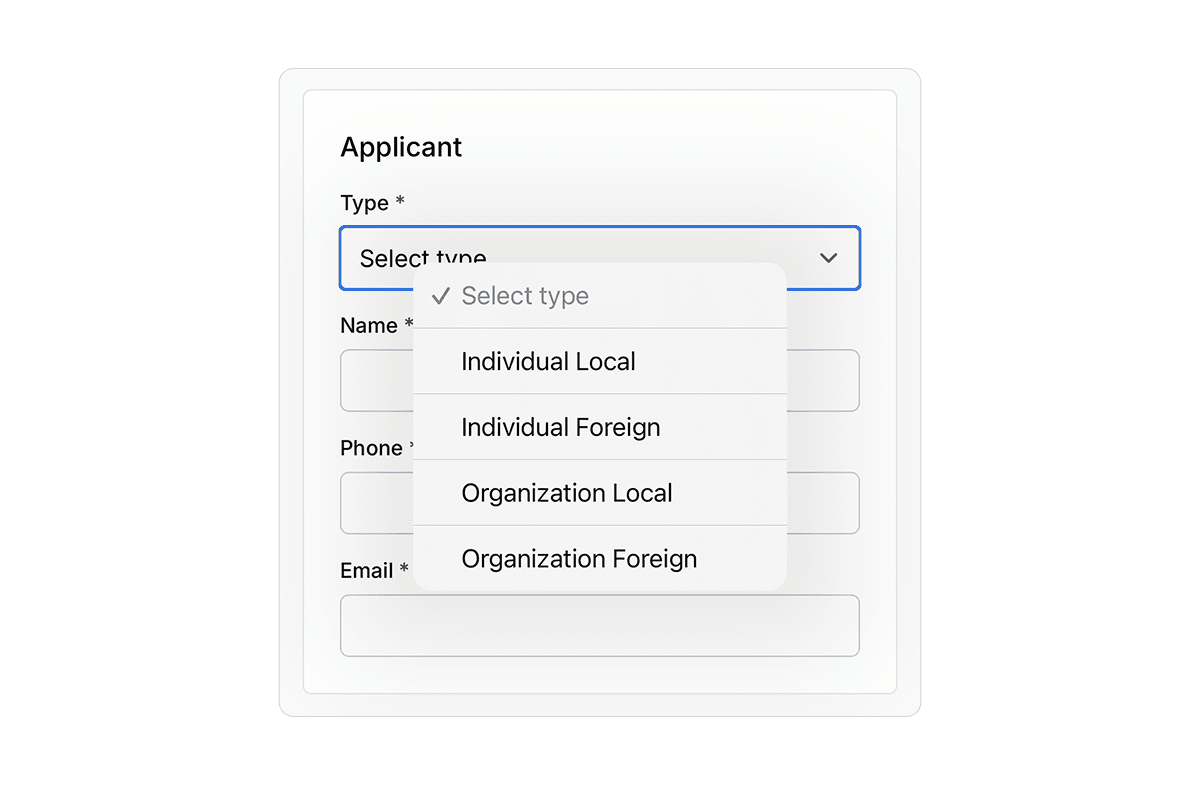
Complete Applicant Information
- Select the appropriate "Applicant Type"
- Complete the applicant fields including:
- ID Card Number: (for Maldivian citizens)
- Passport Number: (for foreign individuals)
- Registration Number: (for Maldivian and foreign organizations)
- Name: (name of the donating party)
- Phone Number:
- Email Address:
5
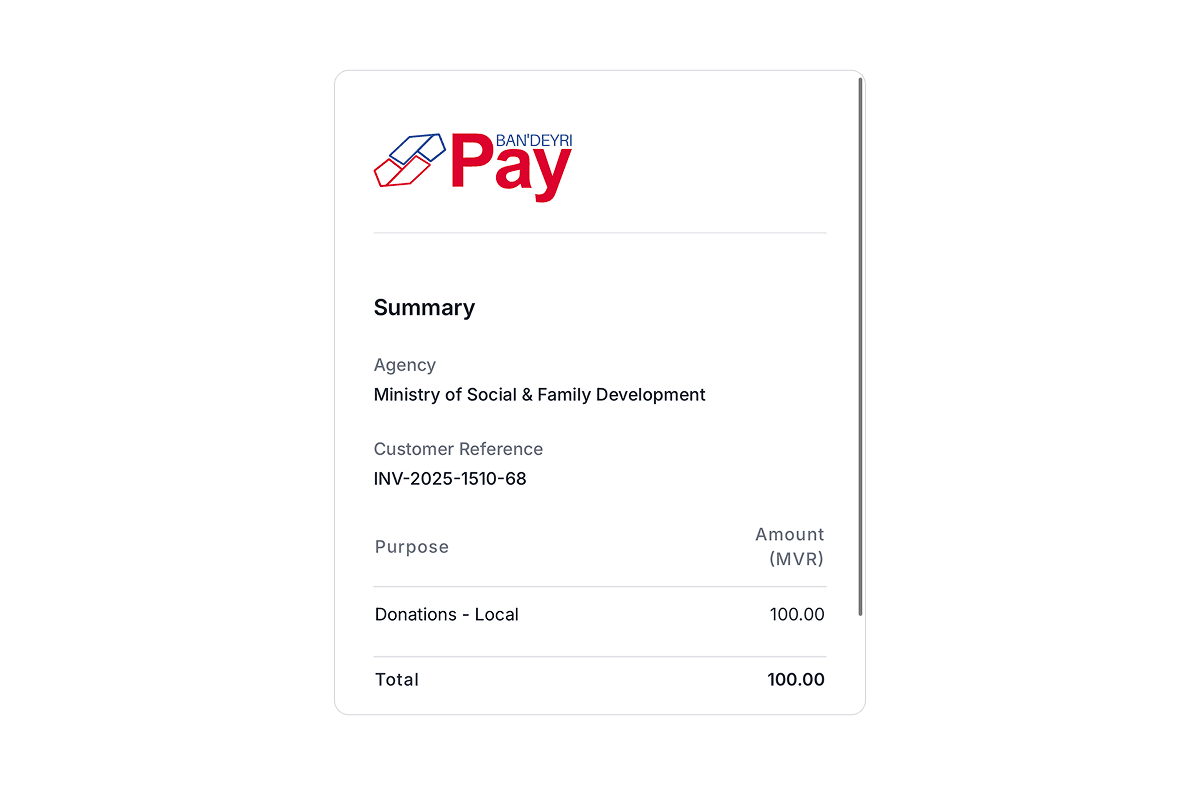
Review Payment Summary
A summary of your payment details will be displayed for review.
6
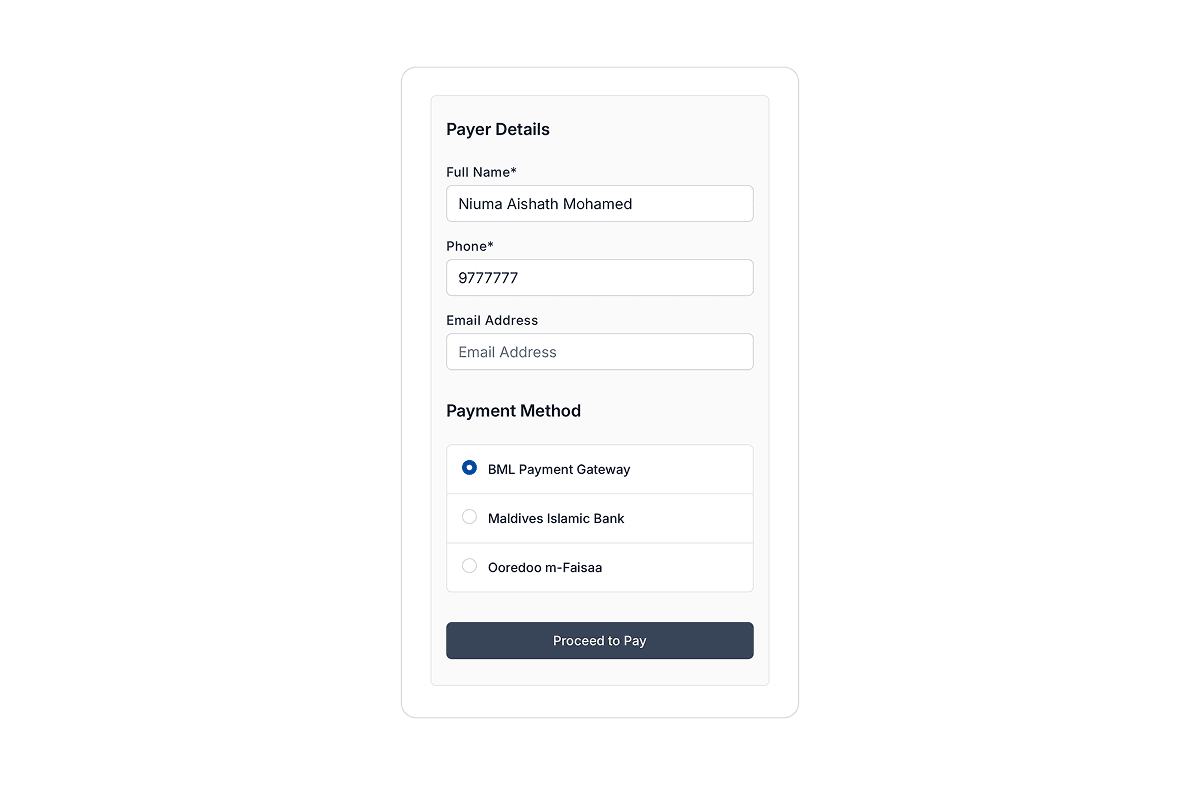
Payer Information
- Under the "Payment" section, complete the "Payer" details. This is information about the person making the transaction, which may differ from the donor (for example, if making a donation on behalf of someone else).
- Enter the payer's "Name" and "Phone Number"
- Select your preferred "Payment Method":
- Bank of Maldives (accepts Visa/MasterCard/Amex)
- Maldives Islamic Bank
- Ooredoo M-Faisaa
7
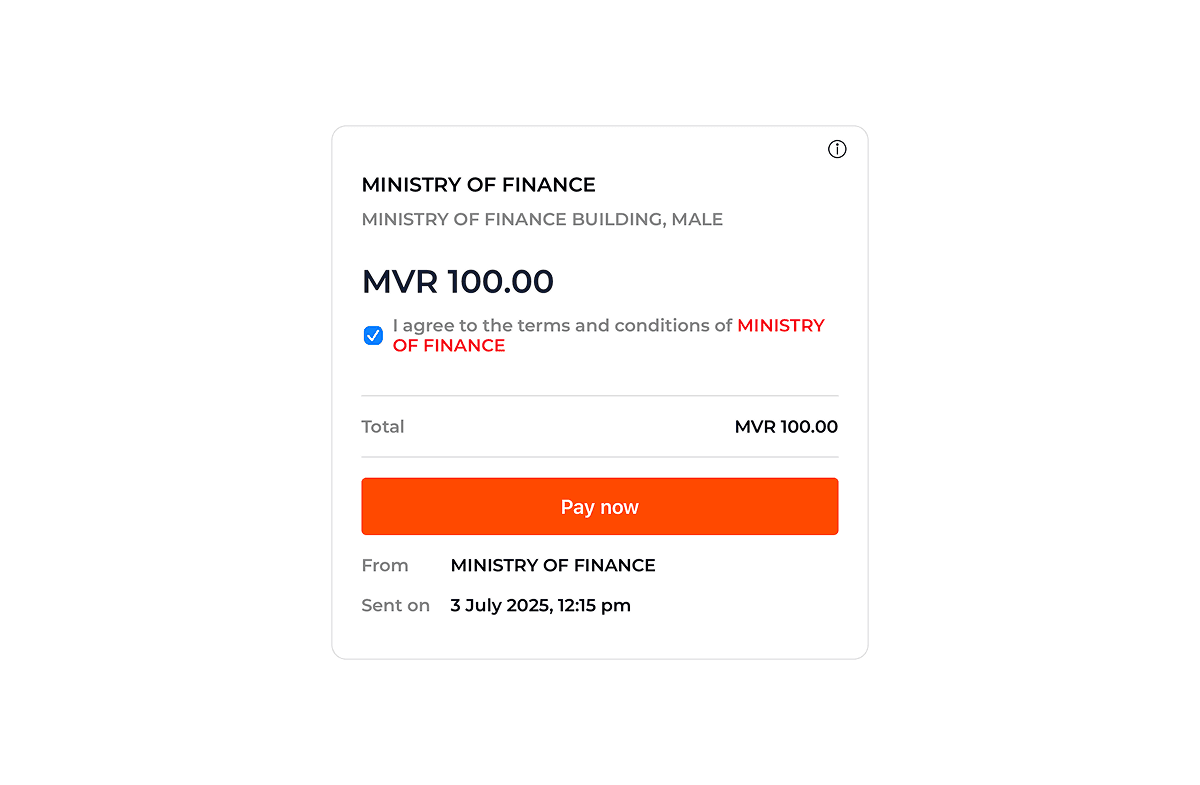
Complete Payment
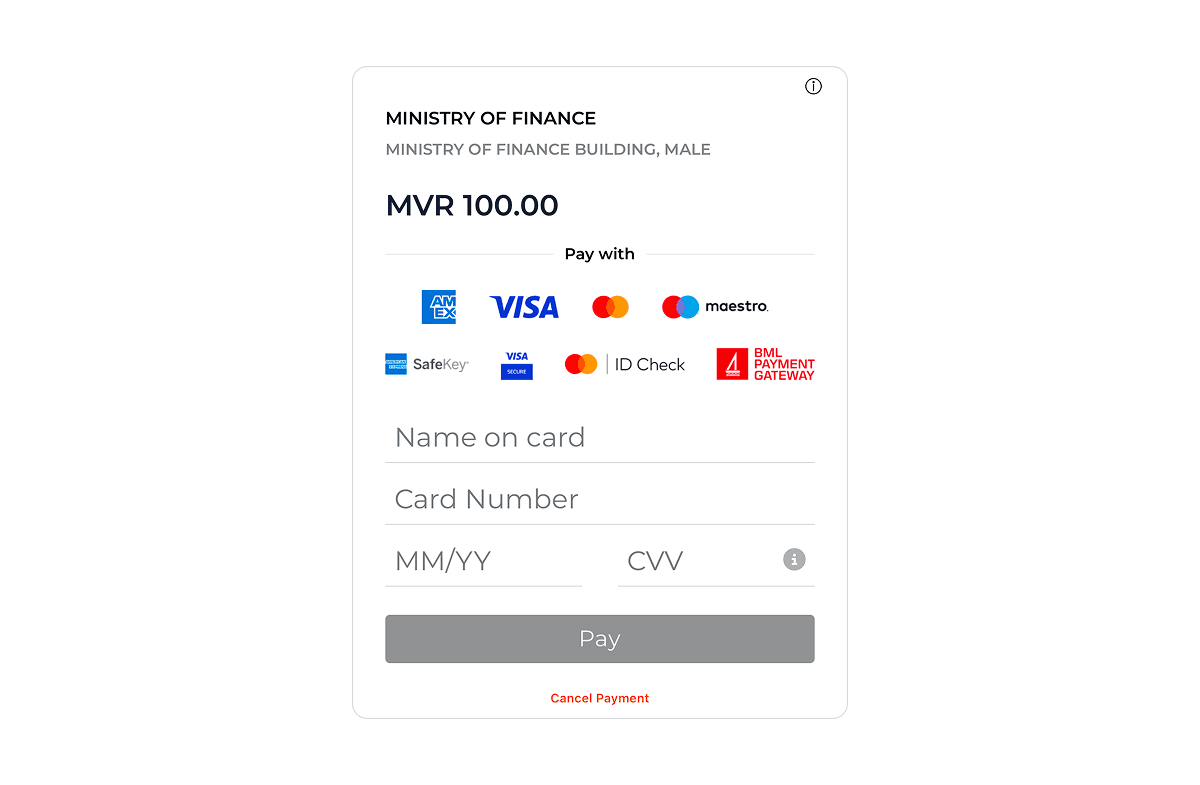
You will be redirected to your chosen payment gateway. Enter your payment details and complete the transaction.
8
Confirmation
Upon successful payment, you will be redirected back to the Bandeyri Pay portal with a confirmation message.